Reference · Updated 2026
App Store screenshot sizes
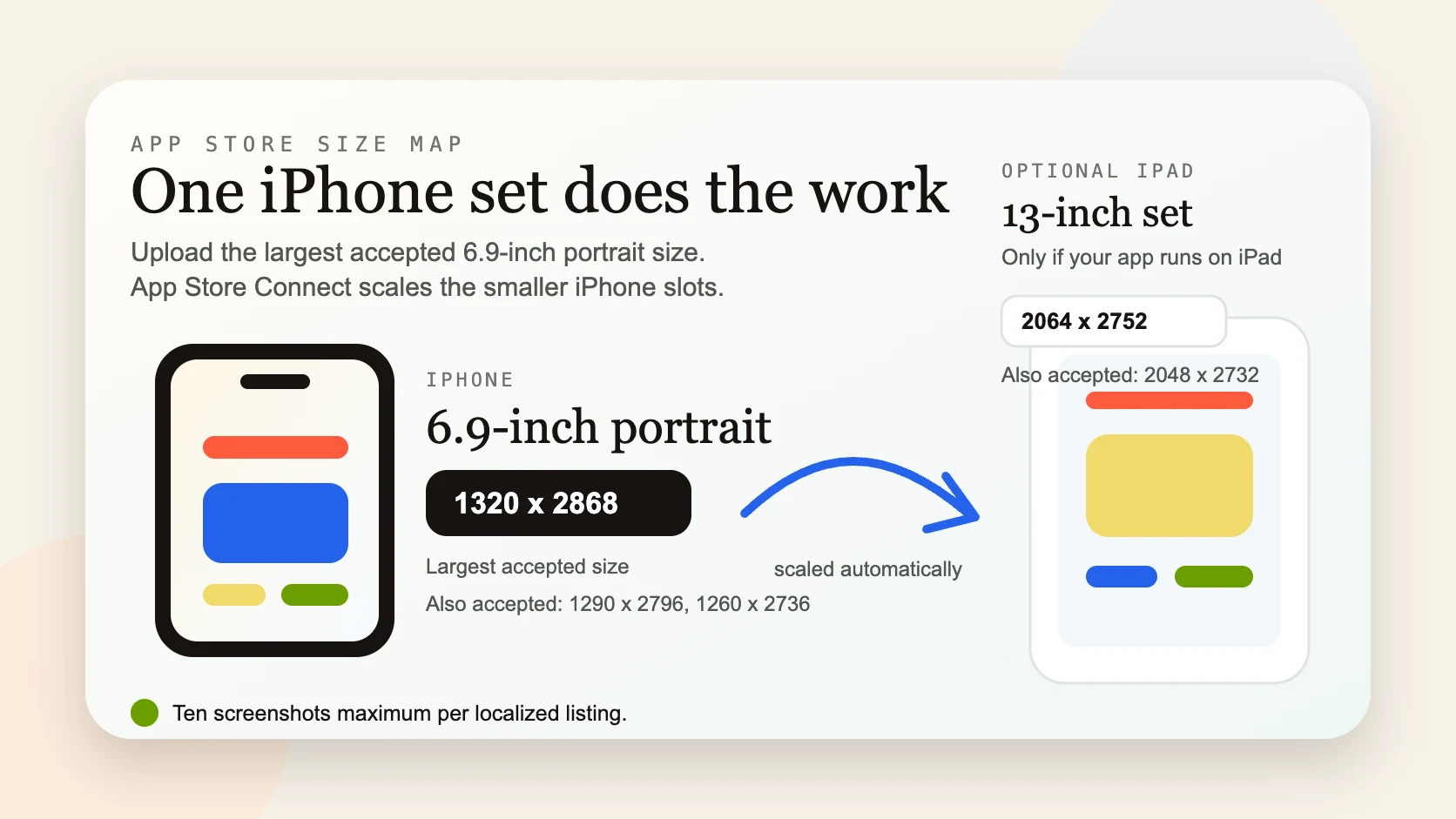
The short version: upload one iPhone set at the largest 6.9-inch size, 1320 × 2868, and App Store Connect renders every smaller iPhone size from it. Add one 13-inch iPad set only if your app ships on iPad. Ten screenshots maximum per localized listing.
iPhone sizes
You only need to provide the 6.9-inch set. Apple accepts three portrait resolutions for that row — supply the largest and it scales down cleanly.
| 6.9-inch portrait (px) | Notes |
|---|---|
| 1320 × 2868 | Largest — upload this one. |
| 1290 × 2796 | Also accepted. |
| 1260 × 2736 | Also accepted. |
iPad sizes
Only required if your app runs on iPad. One 13-inch set covers it.
| Display | Portrait (px) | Also accepted | Notes |
|---|---|---|---|
| 13-inch | 2064 × 2752 | 2048 × 2732 | Required only if your app ships on iPad. |
The rules that actually matter
- One 6.9-inch iPhone set is the whole iPhone requirement — the old “a set for every device” chore is gone.
- Up to ten screenshots per localized listing; the first two or three are what most people actually see.
- PNG or JPEG, RGB, no transparency, no rounded-corner masking — a full-bleed rectangle.
- Portrait and landscape are separate sets; supply whichever orientation your app runs in.
Fill those slots with a 3D render
Knowing the size is the easy part; making the shot look considered is the work. Drop your screenshot onto a real 3D iPhone, angle it, and export at the 6.9-inch size — free, no signup, no watermark, and nothing leaves your browser. See App Store screenshot mockups for the full walkthrough.
Sizing is only one of the ways a listing gets bounced — see why App Store screenshots get rejected for the guideline-by-guideline version. Shipping on Android as well? Play uses a completely different model: Google Play screenshot sizes covers it.