Free · No signup · No watermark
App Store screenshot generator, in 3D
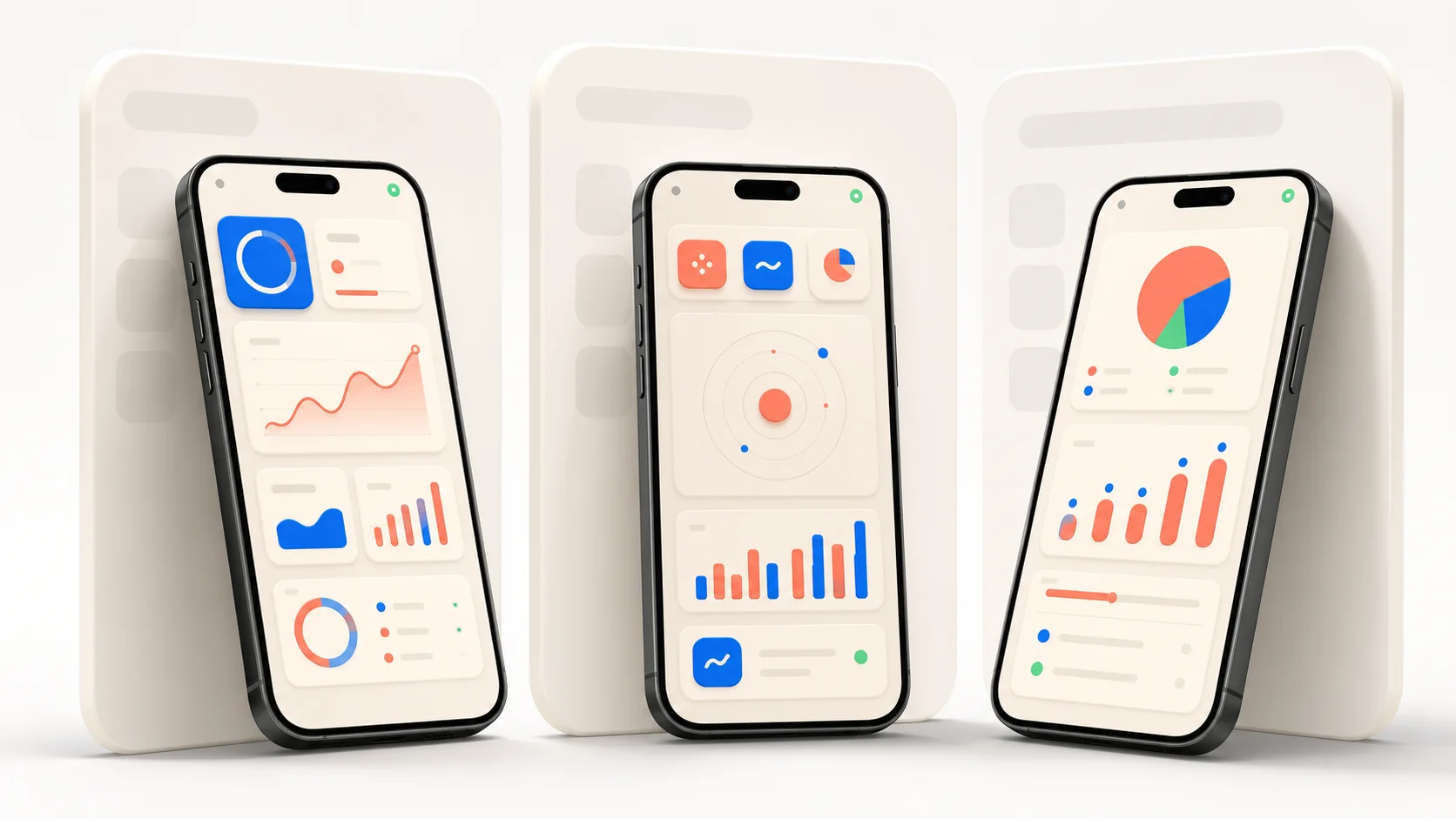
Drop your app screenshot onto a real 3D iPhone, angle the shot, and export a 4K PNG that’s ready for App Store Connect — in your browser, in about a minute. No Figma file to rebuild every launch.
Upload one set, not one per size
App Store Connect now scales your screenshots for you: provide one iPhone set at the 6.9-inch size (1320×2868) and Apple renders the smaller form factors from it. That old “a set for every device” chore is gone — so the work that’s left is making each shot look good, which is exactly what a 3D device render does better than a flat frame. Not sure which resolution to upload? See the App Store screenshot sizes reference. Before you upload, it is worth knowing why screenshots get rejected and how to clean the status bar first — between them they account for most of the avoidable rework.
Why a 3D render beats a flat mockup
- Spin the phone to any angle instead of picking from a few PSD templates.
- Real lighting and finishes (three studio looks, every colourway) — not a sticker on a photo.
- Export at 4K PNG or JPG; single export, App Store sizes, and 4K are all free.
- Nothing is uploaded — the screenshot never leaves your machine (client-side WebGL).
Free, and yours to sell with
No signup, no watermark, and commercial use is allowed — the exact things most free mockup tools restrict. Ship the render straight to your App Store listing.