Free · No install · No watermark
A free Rotato alternative
Rotato is a polished, paid 3D mockup app, and its real edge is animated video mockups and a deep device library. But it’s a download you pay for. If what you actually need is a still 3D iPhone shot — free, in the browser, nothing to install — here is the honest trade.
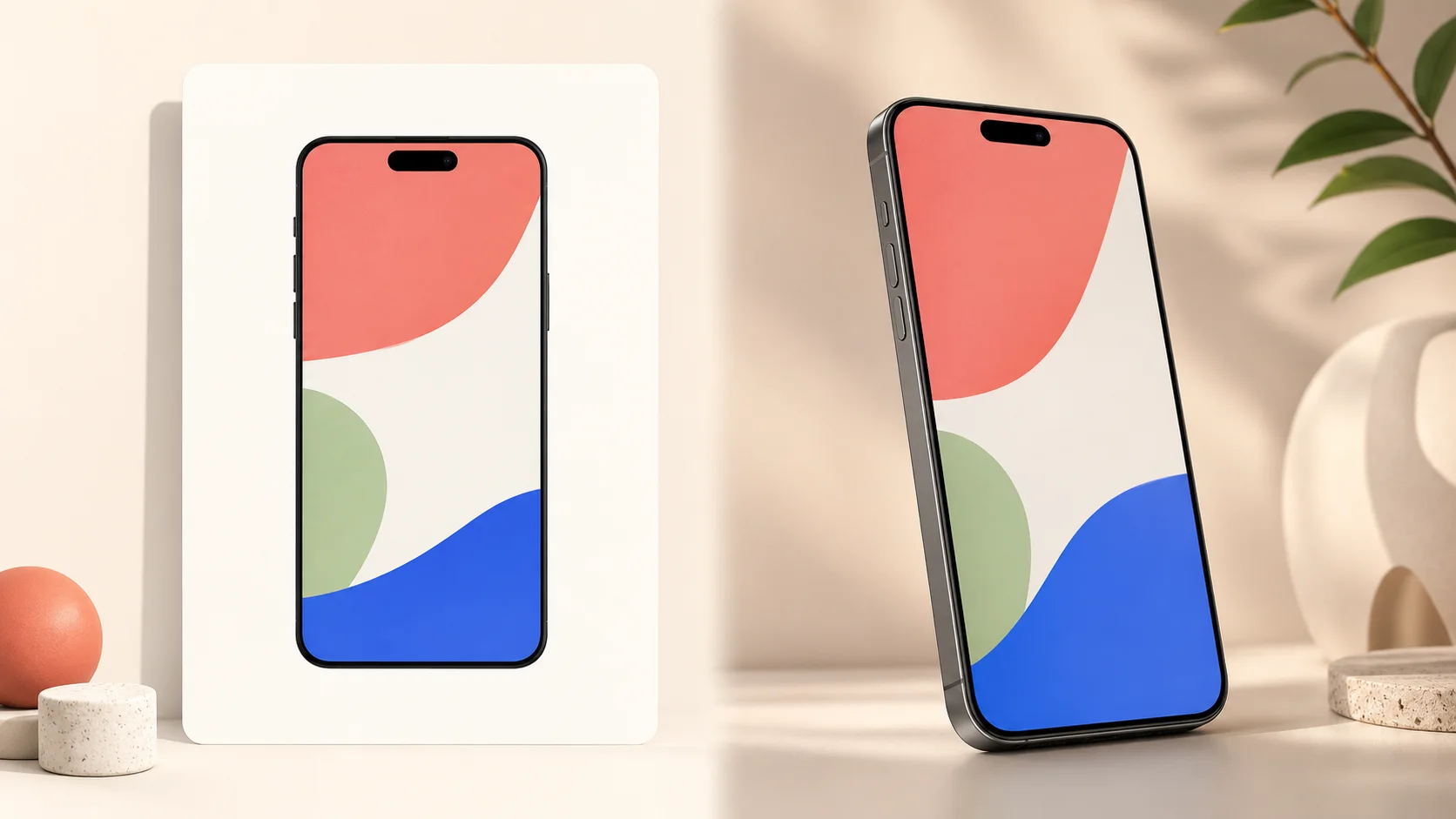
Side by side
| 3dmockup.io | Rotato | |
|---|---|---|
| Price | Free | Paid — Premium is $99 one-time (includes a year of updates); no free tier, a trial |
| Runs on | Any desktop browser — Mac, Windows, Linux; nothing to install | Downloadable native Mac app; Windows offered as an in-browser public beta |
| Device rendering | Real 3D geometry you rotate | Real 3D geometry you rotate (30+ pro-artist devices) |
| Animated video mockups | No — still images only | Yes — animated video export up to 8K |
| Device library | A few current phones | 30+ devices — phones, laptops, desktops and more |
| Commercial use | Free, no attribution | Included with a paid license |
| Your screenshot | Never uploaded — renders on your GPU | Rendered in the installed app / browser beta |
Where this tool wins
- It’s free, and commercial use needs no attribution — put the export straight in front of customers without buying a license.
- Nothing to install and no account: it runs in any desktop browser on Mac, Windows, or Linux, and your screenshot never leaves it.
- For a single still App Store or product shot, there’s no app to learn, update, or open — drop, angle, export.
Where Rotato is the better pick
If you want an animated mockup — the phone spinning, the screen scrolling, exported as video up to 8K — that is Rotato’s home ground, and this tool does not do motion at all. Rotato also ships 30+ devices spanning laptops and desktops, not just current phones, and as a native app it has room for depth a browser tool trades away for zero install. This tool does one thing: put your screenshot on a bare 3D phone you can angle and light, and export a clean still. Pick the one that matches the shot you need.
Comparing tools? See the Mockuuups Studio alternative and the Screenhance alternative, make App Store screenshots, or browse every device.