Free · No signup · No watermark
A free Mockuuups Studio alternative
Mockuuups Studio is a good tool, but its free tier is licensed for personal use only — commercial use is gated behind its paid plan, and free exports require an attribution credit. If what you need is a client-ready iPhone shot without a subscription, here is the honest trade.
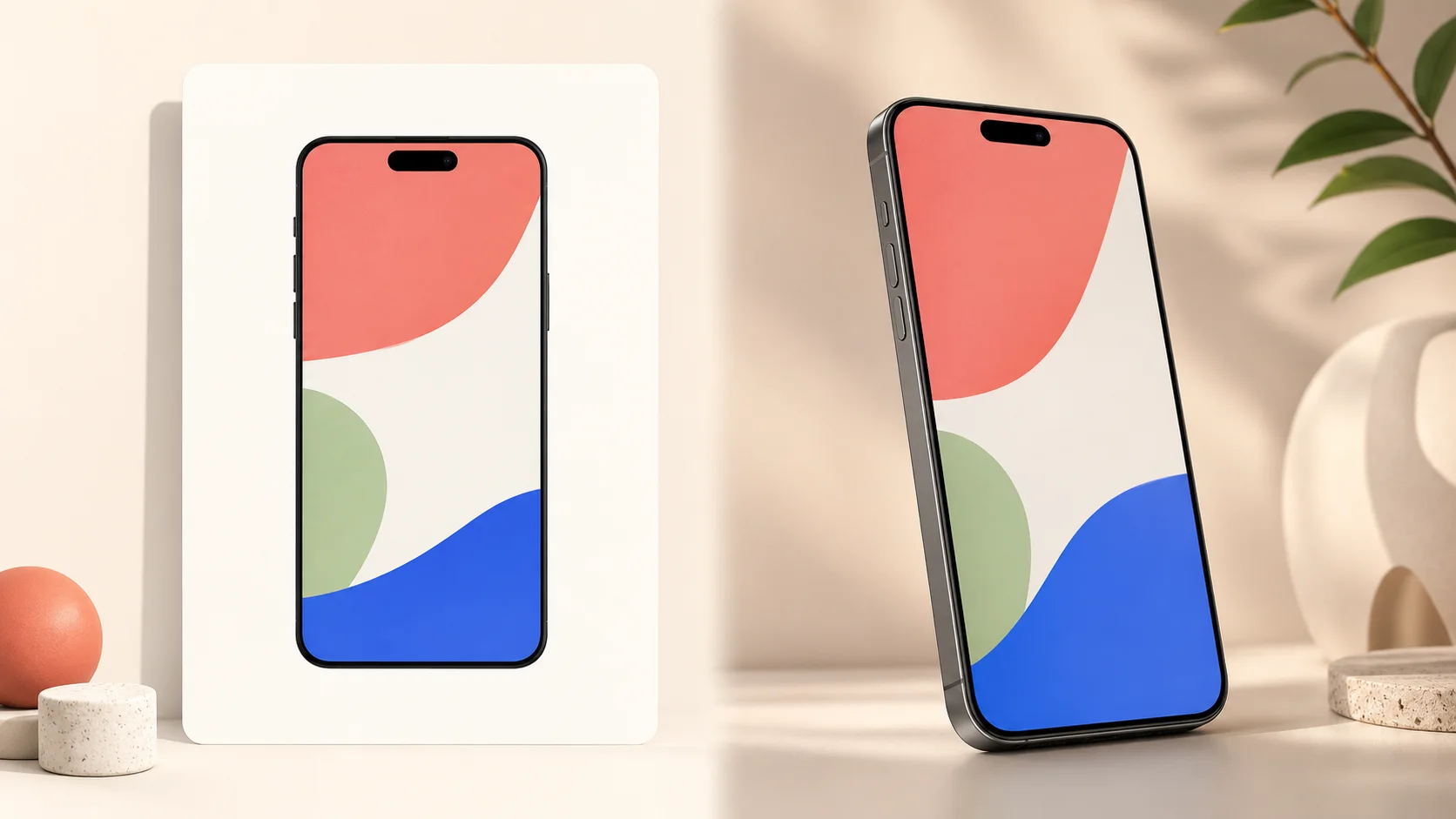
Side by side
| 3dmockup.io | Mockuuups Studio (free tier) | |
|---|---|---|
| Commercial use | Allowed, free | Paid plan only (free tier is personal use) |
| Attribution | Not required | Credit required on free exports |
| Device rendering | Real 3D geometry you rotate | Photorealistic flat photo templates |
| Cost for commercial work | Free | $15/mo or $120/yr |
| Scene library | A few devices, any background you set | 5,200+ pre-shot scenes (hands, desks, contexts) |
| Your screenshot | Never uploaded — renders on your GPU | Editor / desktop app / design-tool plugins |
Where this tool wins
- Commercial use is free and needs no attribution — put the export straight in front of customers.
- The device is real 3D geometry built from published millimetres, so you can rotate to any angle instead of picking from fixed photos.
- No account and no watermark, and your screenshot never leaves the browser.
Where Mockuuups is the better pick
If you need a device photographed in a real-world context — held in a hand, on a café table, next to a laptop — Mockuuups’ library of 5,200+ scenes covers ground a single 3D studio does not, and its Figma and Adobe plugins live where designers already work. This tool does one thing: put your screenshot on a bare device you can angle and light, and export it clean. Pick the one that matches the shot you need.
Making launch assets? See App Store screenshot mockups, compare the Rotato alternative and the Screenhance alternative, or browse every device.